WWidgetNote
WidgetNote/Shared Note Widget
Shared note widget

Share a note that lives on the Home Screen

WidgetNote lets couples, friends, and families keep a live shared note visible as an iPhone widget.

A small shared space for reminders, plans, and little messages.

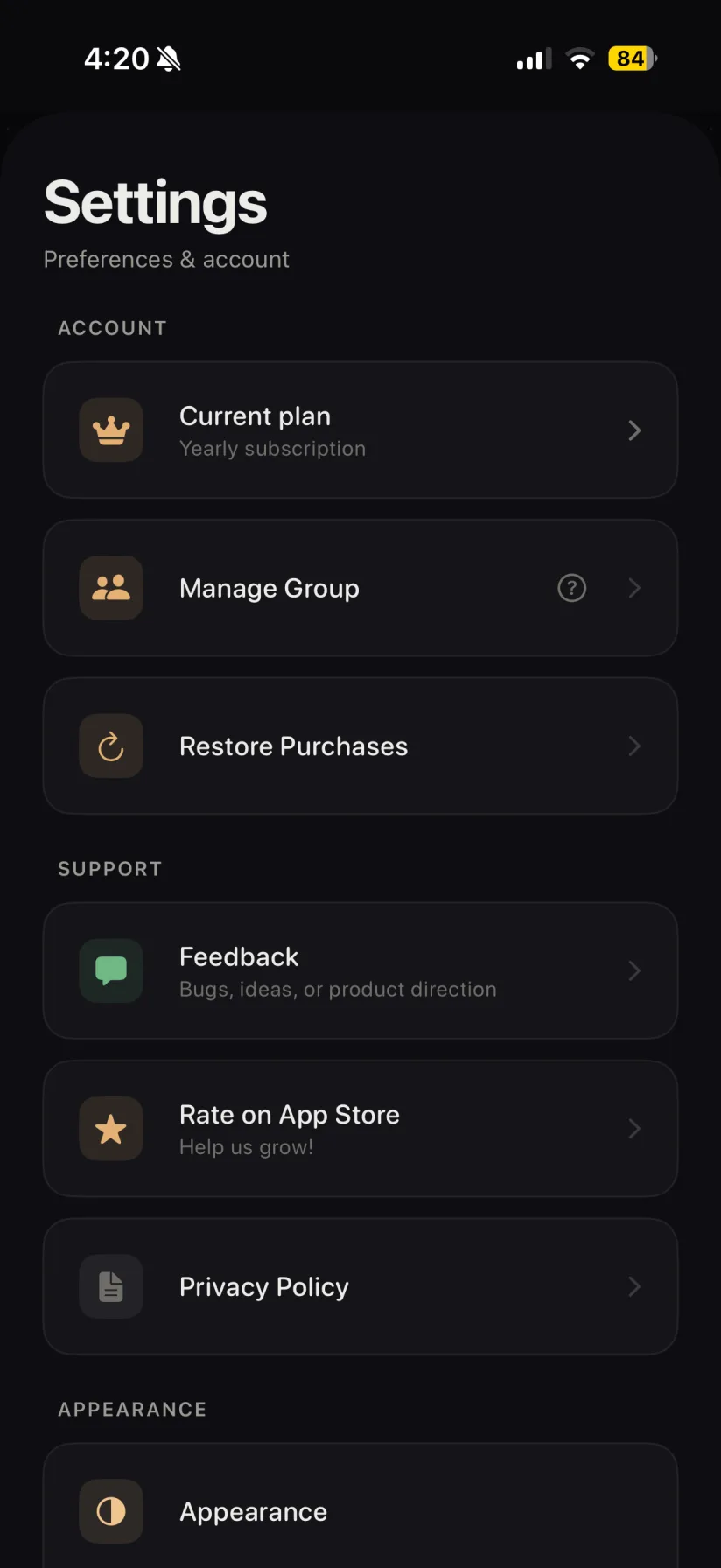
WidgetNote settings screen showing shared groups and sync
Shared groups and sync settings keep notes updated for everyone.

Shared notes work better when they are visible

A shared note tucked inside an app can still be forgotten. WidgetNote puts the shared message on the Home Screen, where both people can notice it throughout the day.

Useful for couples, families, and small groups

Use a shared note widget for the lightweight things that do not need a full chat thread or project board.

  • A couple note for a sweet message or quick reminder.
  • A family memo for groceries, pickup times, or household tasks.
  • A shared checklist for a trip, event, or weekend plan.

Everyone sees the latest version

Shared WidgetNote notes sync through iCloud / CloudKit, so edits can appear for the people in the group.

Personal enough to feel like a note

Customize the shared note with colors, fonts, and photo backgrounds so it feels more personal than another notification.

Steps
1

Create a note

Write the message, list, or reminder you want to share.

2

Share with your group

Invite a partner, friend, or family group to the note.

3

Add it as a widget

Each person can place the shared note on their iPhone Home Screen.

4

Edit when needed

When the note changes, the shared widget can update for everyone.

FAQ

Questions people ask

Can I share a note widget with my partner?

Yes. WidgetNote supports shared notes, so a couple can keep the same live note on their Home Screens.

Can families use WidgetNote for shared reminders?

Yes. Families can use a shared note for groceries, schedules, household reminders, or short messages.

Do shared note widgets update automatically?

Shared notes use iCloud / CloudKit sync, so edits can update for people in the shared group.

Can shared notes be customized?

Yes. Shared notes can use WidgetNote styling options such as paper color, font, text color, and photo backgrounds.

Start a shared note for the people close to you

Download WidgetNote and keep one small shared message visible on the Home Screen.