WWidgetNote
WidgetNote/Habit Tracker Widget
Habit tracker & progress widget

Track habits and goals right on your Home Screen

Add a Habit week, Progress bar, or Mood tool to any note. Then tap today’s habit, nudge your goal forward, or log how you feel — straight from the iPhone widget.

No extra app. It’s just a note that does more.

Habit, progress and mood tools on note widgets.

A lightweight habit tracker, without another app

Habit apps are great until you forget to open them. WidgetNote keeps the habit on your Home Screen inside a note, so logging it is one tap and seeing it is automatic.

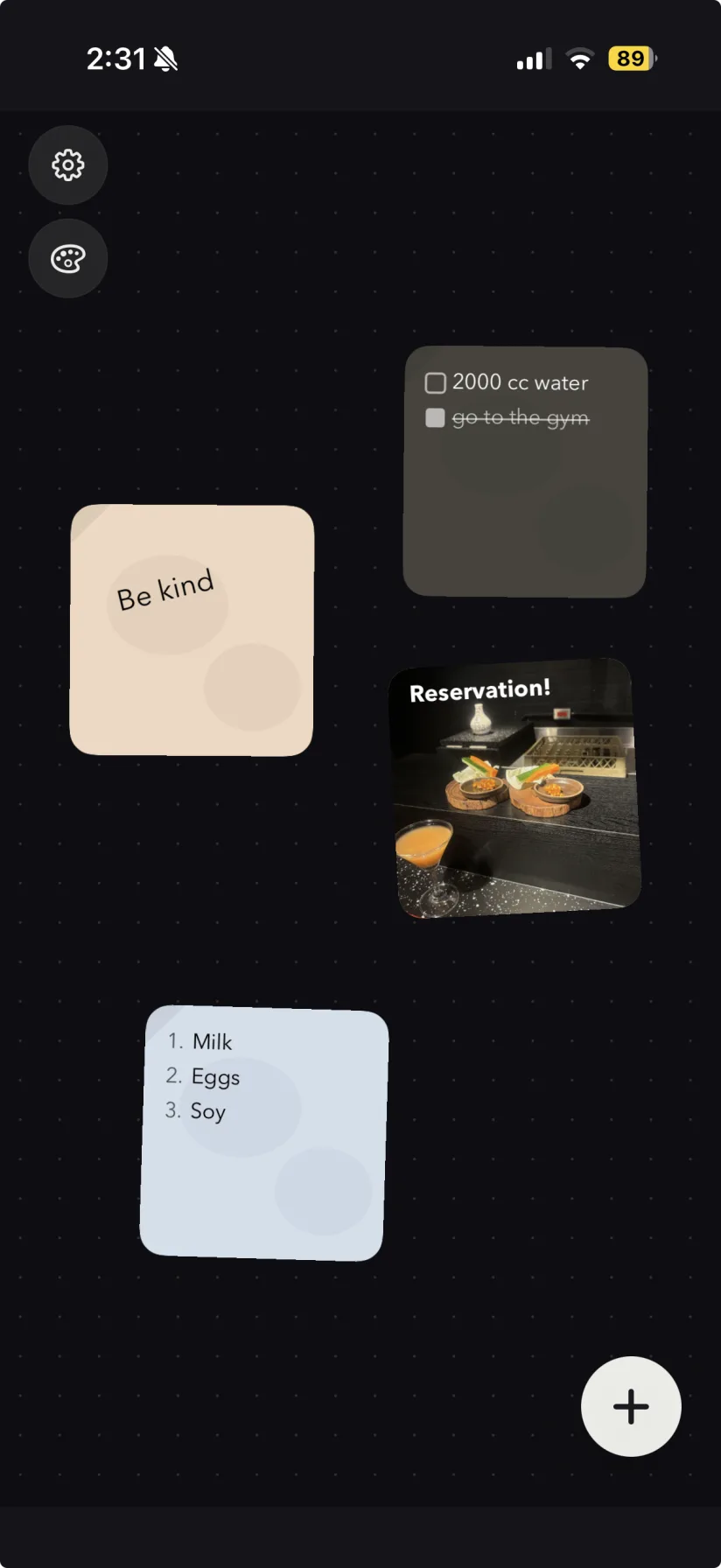
WidgetNote note widgets on an iPhone Home Screen
An actual screenshot from WidgetNote

Three tracking tools

Each tool lives in a note, so you can add context like “Stretch 10 min” or “Read 24 books this year”.

  • Habit week: seven days, one tap each, with a weekly count.
  • Progress bar: track a percentage or a count toward a goal, like 16 / 24 books.
  • Mood & weather: five moods plus today’s weather in one line.

Interactive on the widget

Tap a day to mark the habit done, or use − / + on the widget to move your progress. You choose how much each tap adds.

Shared goals

Put a progress bar in a shared note for a team, couple or family goal, and everyone sees the same number update.

Steps
1

Create a note

Name the habit or goal you want to track.

2

Add a tool

Tap Tools and choose Habit week, Progress bar or Mood & weather.

3

Set your goal

Pick percent or count mode and how much each tap adds.

4

Add the widget

Place WidgetNote on your Home Screen and select the note.

5

Tap daily

Log progress from the widget whenever you finish.

FAQ

Questions people ask

Can I track habits from an iPhone widget?

Yes. WidgetNote’s Habit week tool lets you tap each day you completed the habit directly on the Home Screen widget.

Is there a progress bar widget for iPhone?

Yes. The Progress bar tool shows a goal as a percentage or a count (like 16 / 24) and has − / + buttons on the widget.

Can I log my mood from the widget?

Yes. The Mood & weather tool lets you pick how today feels right on the widget.

Do the tracking tools work on the Lock Screen?

Lock Screen widgets may not support interactive features, so tapping and − / + are designed for Home Screen widgets.

Keep your habits where you’ll see them

Download WidgetNote and log today’s habit with a single tap on your Home Screen.